
MacBook Student Deals 2026: Best Prices on Air, Pro, and Refurbs
Deal Nerd Hub uses affiliate programs. If you snag a deal through our links, we may receive a small commission at no extra cost to you. Thanks for supporting the hunt!

Last Updated on 9 months ago by Deal Nerd Hub Staff
Compare MacBook Air and MacBook Pro with education pricing and refurbished options
Buying a MacBook for college doesn’t mean emptying your whole savings account. Apple’s student discount pricing, certified refurbished options, and seasonal promotions make premium laptops more accessible than you’d think. Here’s how to get the best MacBook deal in 2026.
The Apple Education Store offers discounts to students, teachers, and staff, saving around 10% on most devices. The typical discount amounts to $100 on MacBook Airs and up to $200 on MacBook Pros. Even better, during Back-to-School season, Apple is known to throw in a free gift card worth up to $150, AirPods or another MacBook accessory with qualifying purchases.
Current and newly accepted college students qualify, along with their parents making purchases on their behalf. Faculty and staff at all educational levels can use the discount too. You’ll verify your status through UNiDAYS or by uploading school documentation.
Education pricing applies year-round at Apple’s Education Store. In some regions like Australia, New Zealand, Brazil, and South Korea, Apple runs special promotions from January through March, while US and European students see Back to School deals during the summer months.
The biggest catch? You’re limited to one Mac desktop, one Mac laptop, and two iPads per calendar year. No stacking discounts on refurbished items either, since those are already marked down.
MacBook Air M4 (2025): The Student Sweet Spot
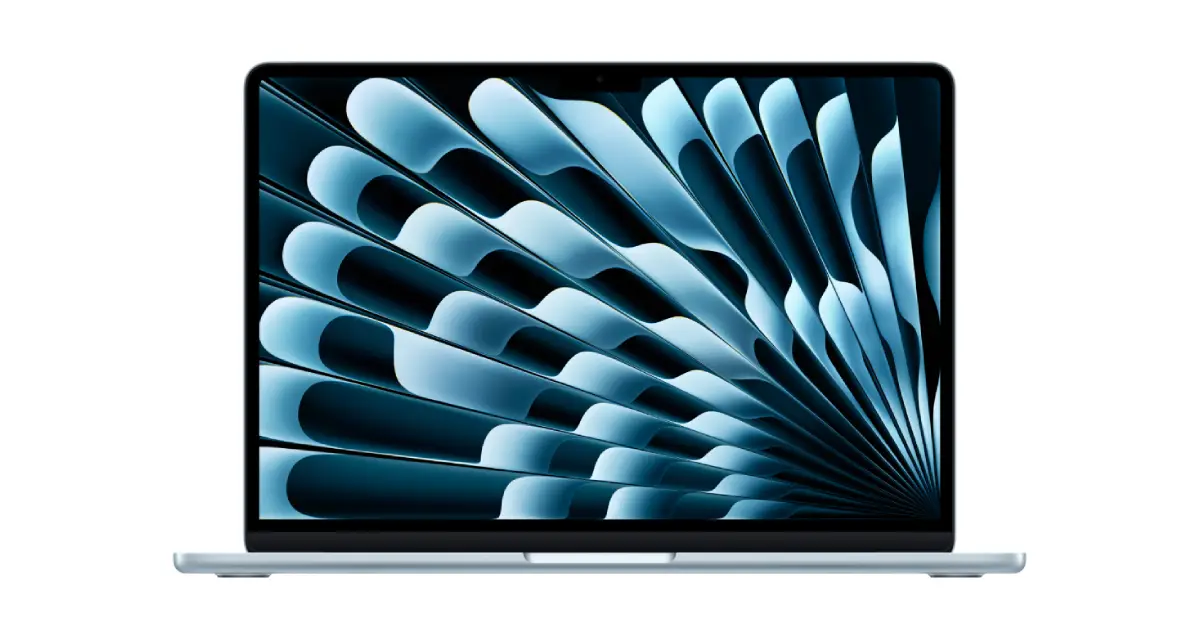
The 13-inch MacBook Air M4 starts at $999, or $899 with education pricing. That’s $100 less than the M3 version launched at, making it the best value proposition Apple has offered in years.
Performance that matters
The M4 chip packs a 10-core CPU with performance cores clocking up to 4.06 GHz, delivering smooth multitasking even with dozens of browser tabs, Spotify, and productivity apps running simultaneously. Apple claims up to 18 hours of battery life, with real-world usage landing around 12-14 hours for typical student workloads.
The base model now includes 16GB of RAM, a significant upgrade from the previous 8GB standard. That extra memory means better performance when switching between research papers, video calls, and media streaming. Storage starts at 256GB, which fills up quickly if you store lots of photos or videos.
One reviewer noted the battery lasting days, allowing weekend road trips without bringing a charger. That’s the kind of freedom students need when bouncing between dorm rooms, libraries, and coffee shops.
Design and portability
Weighing just 2.7 pounds and measuring 0.44 inches thin, the MacBook Air slips easily into any backpack. The aluminum body feels solid, the keyboard delivers great typing feel, and Touch ID works instantly. The 13.6-inch Liquid Retina display hits 500 nits of brightness with accurate colors perfect for everything from note-taking to Netflix binges.
The 15-inch model costs $1,199 ($1,099 with education pricing) and includes a 10-core GPU versus the 8-core GPU in the base 13-inch version. If you want the 10-core GPU in the smaller model, you’ll pay $1,199 for 512GB of storage, making the 15-inch a better value if screen size doesn’t matter.
What students say
Students and professionals find the MacBook Air offers excellent value despite its premium price point, particularly for those needing reliable performance. The M4 improves on this foundation with better efficiency and dual external display support.
AppleInsider praised the M4 MacBook Air in their review, rating it 4 out of 5 stars stating it’s “still easy to recommend this machine for almost everyone’s workload, outside of pros.” They highlighted the Apple silicon’s capability and the meaningful upgrades in the 2025 model.
Where to buy
Apple Education Store offers the best new prices with education pricing. Amazon frequently matches or beats these prices, especially during Prime Day or holiday sales. Third-party retailers like Best Buy also run competitive promotions.

MacBook Air M4: from $899 or less
The MacBook Air M4 starts from $899 at the Apple Education Store. Amazon often matches or beats Apple’s student discount price by offering a $100-$200 discount. It’s available in 13-inch and 15-inch display options and is the best laptop for 95% of college students.
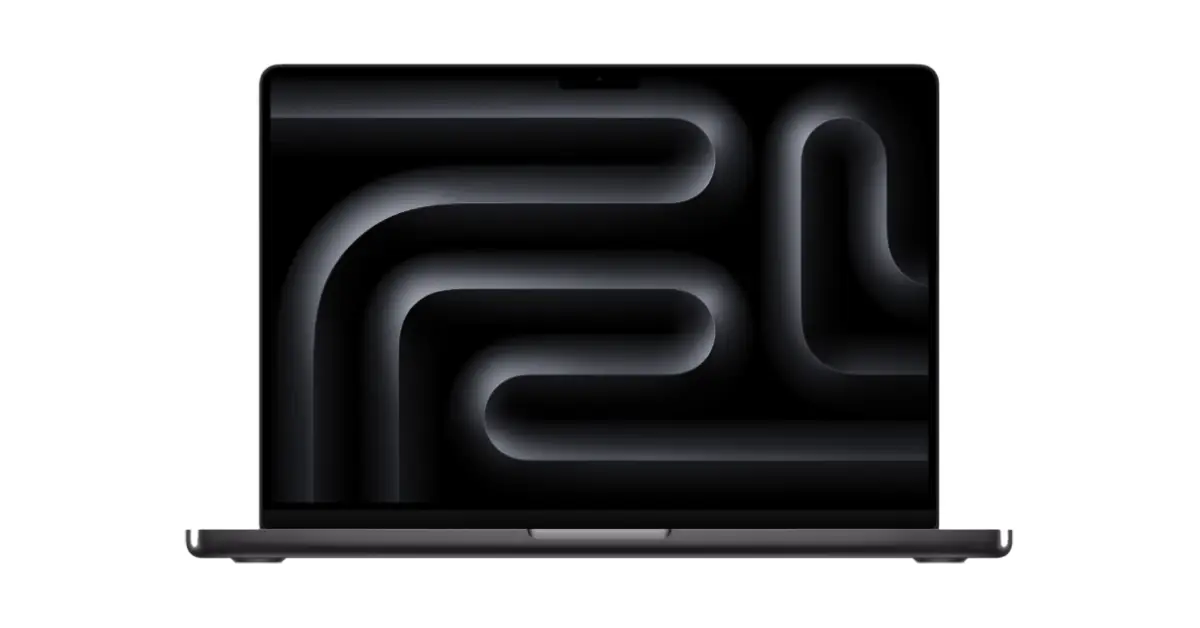
MacBook Pro M5 (2025): The Latest Generation
The newest MacBook Pro features the M5 chip and starts at $1,599, or $1,499 with education pricing. Released in October 2025, it represents Apple’s latest iteration with significant AI and GPU performance improvements over the M4.
Next-generation performance
The M5 chip features a 10-core CPU (4 performance cores, 6 efficiency cores) and a 10-core GPU with dedicated Neural Accelerators in each GPU core. This architecture delivers up to 3.5 times the AI performance and up to 1.6 times faster graphics compared to the M4. CPU speeds are up to 15 percent faster in multithreaded tasks, while GPU speeds jump up to 30 percent faster.
SSD speeds have doubled compared to the M4, providing noticeably faster file transfers and app launches. The M5 also features 153.6 GB/s of unified memory bandwidth, nearly 30 percent more than M4 and over twice that of M1.
AppleInsider gave the M5 MacBook Pro a 4.5/5 rating, stating it’s “iterative, yes, but worth every penny” and noting that “the AI and GPU upgrades are worth the upgrade cost.” They emphasized the meaningful performance gains despite the unchanged exterior design.
The 14.2-inch Liquid Retina XDR display remains identical to the M4 version, delivering 1,600 nits peak brightness with ProMotion technology. Battery life continues to impress at 24 hours during video playback, with real-world usage delivering 15-18 hours.
Connectivity and features
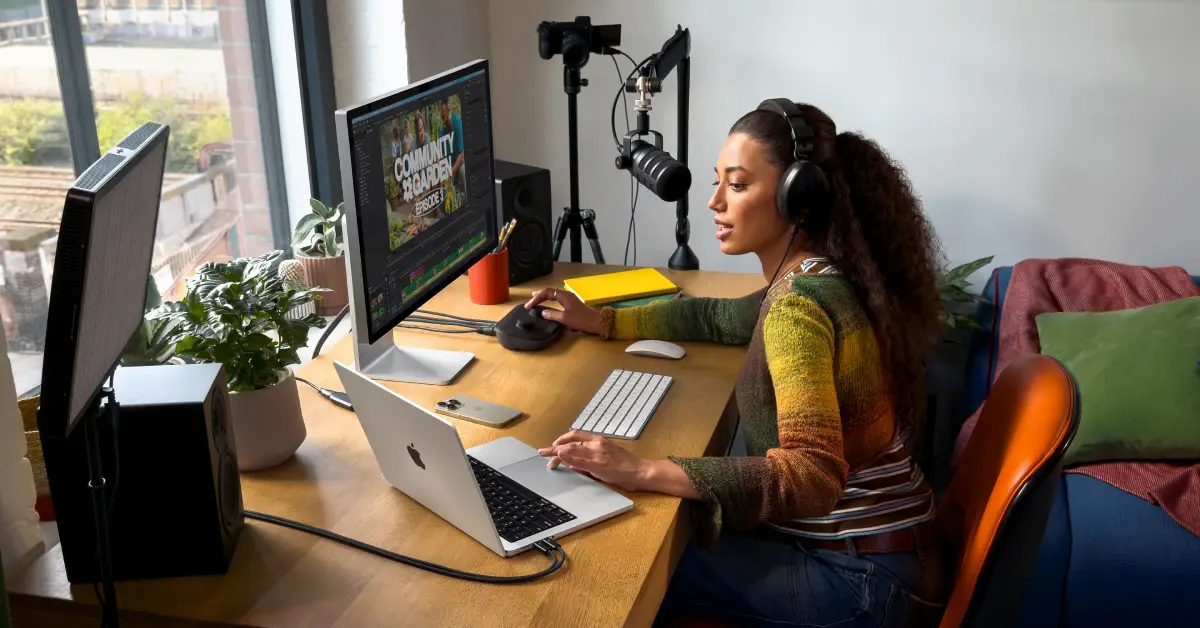
The M5 MacBook Pro includes three Thunderbolt 4 ports, HDMI 2.1, an SDXC card slot, MagSafe 3 charging, and a headphone jack. It supports up to two external 6K displays via Thunderbolt or one 8K display at 60Hz via HDMI. The 12MP Center Stage camera and six-speaker system with Spatial Audio support round out the professional features.
Who should buy the M5?
The M5 makes sense for students in highly demanding programs like film production, 3D animation, computer science with machine learning coursework, or architecture with complex rendering needs. The improved AI capabilities specifically benefit students working with large language models, image generation tools, or video editing with AI-powered effects.
For most students, however, the M4 MacBook Pro offers nearly identical features at lower prices as retailers clear inventory. Unless you specifically need the enhanced AI performance or are buying your first MacBook Pro, the M4 represents better value.
Best deals
Apple Education Store offers the MacBook Pro M5 at $1,499 with education pricing. Amazon and B&H Photo frequently discount the M5 by $50-$200, making third-party retailers worth checking before buying direct from Apple.

Apple MacBook Pro M5: from $1,499 or less
Students can get the MacBook Pro M5 starting from $1,499 at the Apple Education Store. Amazon and B&H typically offer lower pricing with discounts of up to $200. It’s a good idea to check other retailers first to compare pricing with Apple’s student discount.
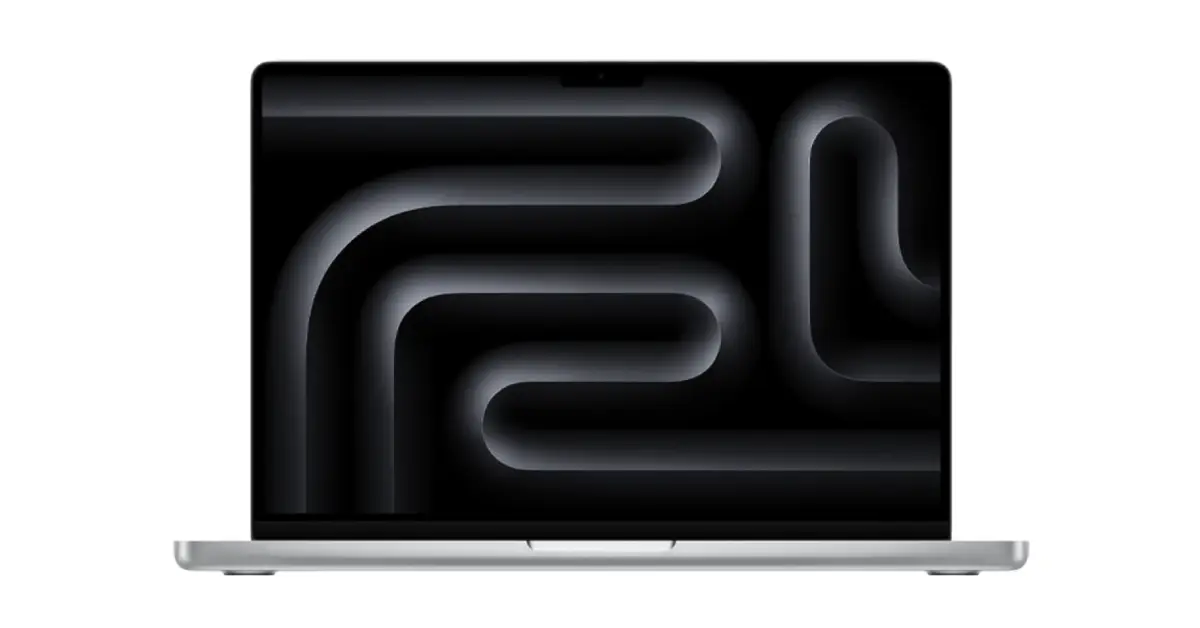
MacBook Pro M4 with M4 Pro (2024): For Demanding Coursework
The base MacBook Pro with M4 Pro Chip starts at $1,849 with education pricing. With retailers clearing inventory for the M5, you can find M4 Pro models discounted to $1,749 or lower, representing serious savings for 12-core performance.
Pro-level performance
The MacBook Pro with M4 Pro Chip features three Thunderbolt 4 ports, one HDMI 2.1 port supporting 4K/8K displays directly, one SDXC card slot, MagSafe charging, and a headphone jack. That connectivity eliminates dongle headaches when presenting in class or working with photography equipment.
The 14.2-inch Liquid Retina XDR display delivers 1,600 nits of peak brightness with ProMotion technology for smooth scrolling. Battery life reaches 24 hours during video playback, with real-world mixed usage delivering 15-18 hours.
Cult of Mac describes the M4 Pro MacBook Pro as a “quantum leap” over an M1 Pro machine, noting that everyday tasks feel much snappier and that the laptop “sets high standards for performance, battery life and display quality” in its category.
Reviewers found the M4 Pro handles all work tasks with ease, including weekly video processing that previously required a separate gaming laptop. Website pages that load slowly on older MacBooks snap to attention instantly.

Who needs this power?
Film students editing 4K footage, engineering majors running simulations, computer science students compiling large codebases, and architecture students rendering 3D models all benefit from the Pro’s sustained performance. One reviewer noted the Air still does a great job for most students, with the Air being more than sufficient unless you have specific professional software needs.
Most liberal arts, business, and general STEM students will never push the Pro hard enough to justify its cost. The Air delivers 90% of the experience for 60% of the price. With the M5 now available, M4 Pro models see deeper discounts, making them the smart buy for students who need Pro-level performance without paying for the latest chip.
Configuration advice
The base M4 Pro with 16GB RAM and 512GB storage handles most student workloads. If you’re considering spending heavily on a maxed-out MacBook Air variant, take a closer look at a discounted M4 MacBook Pro first, since you’ll get better performance for similar money.
Buy from retailers like Amazon where M4 clearance deals can save $200-$250 off MSRP, or check Apple’s Education Store if you prefer buying new with full warranty coverage.
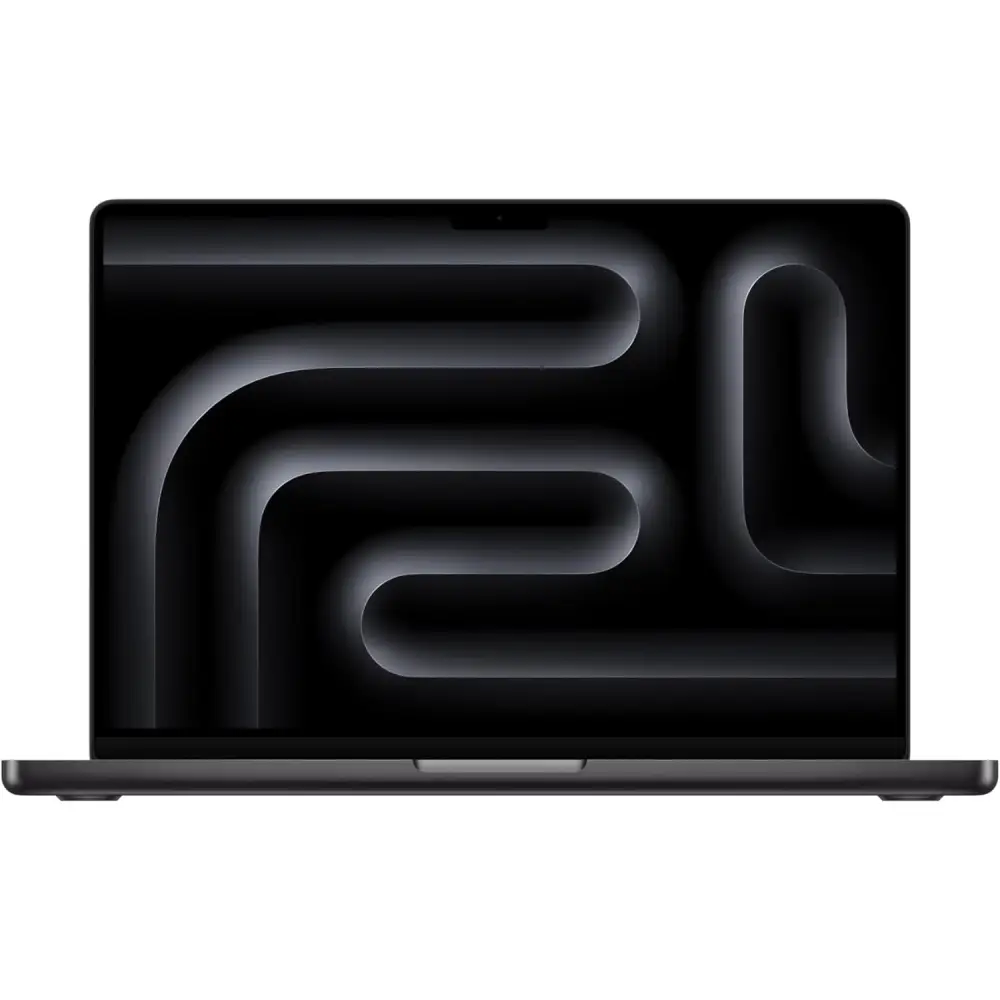
Apple MacBook Pro with M4 Pro: from $1,849 or less
The MacBook Pro M4 with M4 Pro stars from $1,849 at the Apple Education Store. For this previous-gen model, you’ll typically find lower pricing with discounts of up to $250 off list.
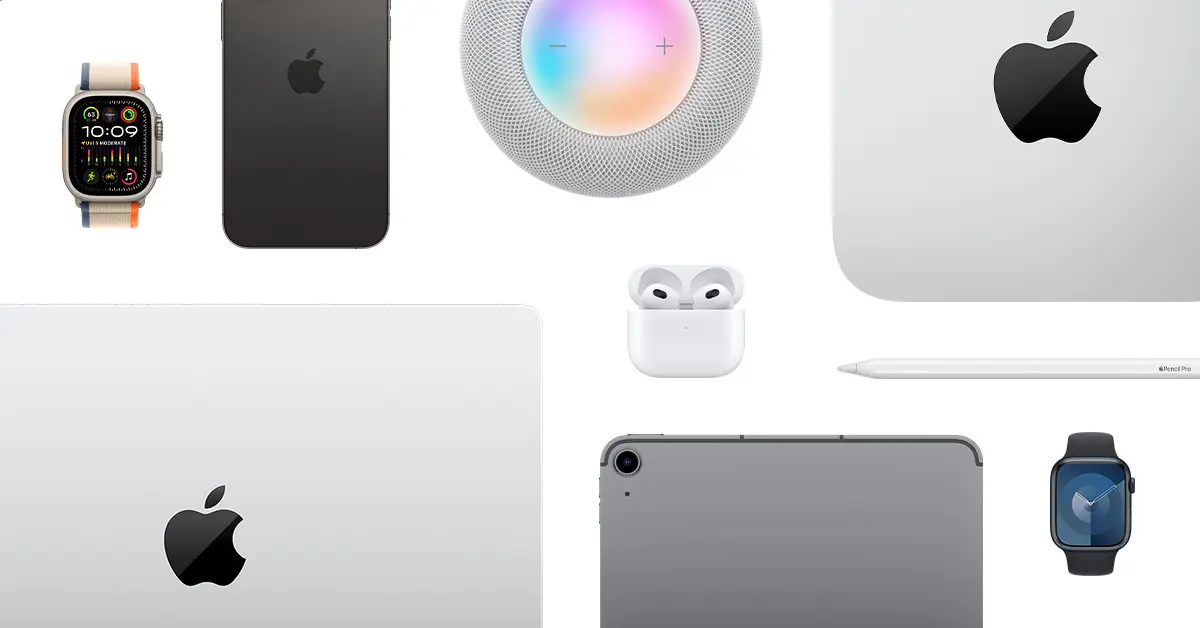
Apple Certified Refurbished: Hidden Gem Deals
Apple Certified Refurbished products include savings up to 15% and come with a one-year warranty and full functional testing. These aren’t beat-up hand-me-downs. They’re mostly returns that undergo rigorous inspection and repair if needed.
Current refurbished MacBook Air models can save students $100-$200 depending on configuration, offering substantial savings over new models. The catch? You can’t stack education pricing on refurbished units since they’re already discounted. You also can’t customize configurations beyond what’s available in inventory.
What you get
Every refurbished Mac receives a new outer shell, new battery if needed, thorough cleaning, and comes in new packaging with all cables and documentation. Refurbished Macs carry the same one-year warranty as brand new units, with the option to purchase AppleCare+ within 60 days.
The only downside? If your refurbished Mac arrives dead-on-arrival, you must return it to the refurbished store instead of swapping it at a local Apple Store.
Finding the best refurbs
Check Apple’s Certified Refurbished Store regularly, as inventory changes daily. MacBook Airs typically see smaller discounts ($100-$150) while MacBook Pros can save $200-$400 depending on configuration.
Sign up for stock alert services if you’re hunting specific specs, since popular configurations sell within hours.
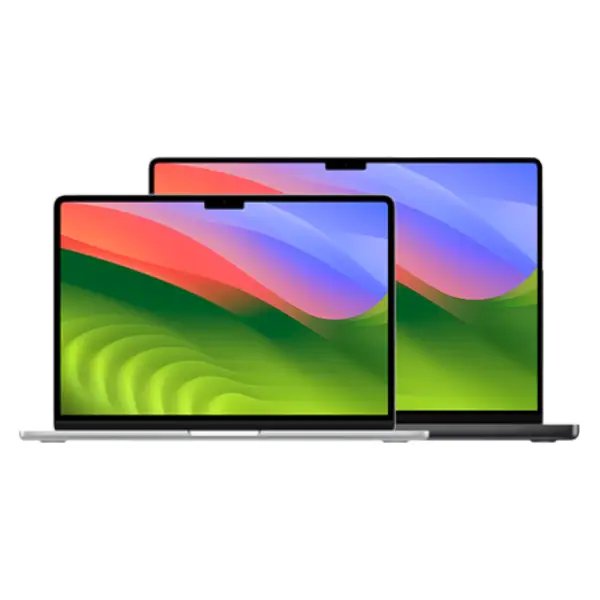
Refurbished MacBooks: from $849
Apple’s Refurbished Store offers various configuration MacBooks for up to $400 off. Refurbished MacBook Air models start at $849 and MacBook Pro notebooks start from $1,269.

How to Maximize Student Savings
Apple’s Back-to-School promotion lets you stack savings with education pricing on eligible MacBooks and a bonus Apple accessory. Last year, students could choose to get a free Magic Mouse, AirPods, or a Magic Keyboard with the purchase of a MacBook.
In the US and Canada, these promotions typically run June through September. Other regions see different timing based on academic calendars.
Consider your actual needs
For students, the question shouldn’t be MacBook Air or MacBook Pro but rather which Air configuration fits best. The 13-inch model with 16GB RAM and 256GB storage handles virtually all undergraduate coursework. Upgrade to 512GB storage if you store lots of media, but skip the RAM upgrade unless you’re running professional creative software.
The 15-inch Air makes sense for students who want more screen real estate for split-screen research and writing. That larger display reduces eye strain during long study sessions.
Timing your purchase
Amazon Prime Day sometimes offers deeper reductions on Apple products than buying directly from Apple. Black Friday and Cyber Monday also bring competitive pricing from multiple retailers.
If you’re not in a rush, waiting for these events can save $100-$200 beyond education pricing. But if you need a laptop before the semester starts, don’t gamble on future sales.
Protection plans
Apple offers 20% off AppleCare+ for students, making it more affordable to protect your investment. AppleCare+ covers accidental damage (two incidents of display replacement for $99 instead of $700), extends your warranty to three years, and includes priority tech support.
For a device you’ll use daily for four years, the protection is worth considering.

Making the Smart Choice
The MacBook Air M4 delivers the best value for 95% of students. Its combination of performance, battery life, portability, and price makes it the obvious recommendation unless you have specialized needs.
Students in demanding creative or technical programs should compare the MacBook Pro with M4 Pro Chip (often discounted $200-$250) against the newer M5 MacBook Pro. The M4 Pro offers nearly identical real-world performance for most tasks at a lower price, while the M5 provides enhanced AI capabilities that benefit specific workflows like running large language models or AI-powered video editing.
Certified refurbished Macs offer excellent value if you’re flexible on configurations and don’t mind slightly older processors. An older generation refurb still outperforms most Windows laptops and will last through graduation.
Whatever you choose, buy through Apple’s Education Store or watch for major retailer promotions to maximize savings. Your MacBook will handle four years of college plus several years beyond, making it one of the smarter investments in your education.
Just remember to actually use it for schoolwork occasionally, not just Netflix.





3 Comments